Hosted Vaultwarden, for the Bitwarden apps.
A Bitwarden-compatible password server run for you on EU servers. Use the official Bitwarden apps and browser extensions, sign in with your PrivoHub account, and keep every item end-to-end encrypted. Included in every PrivoHub plan, the free one too.
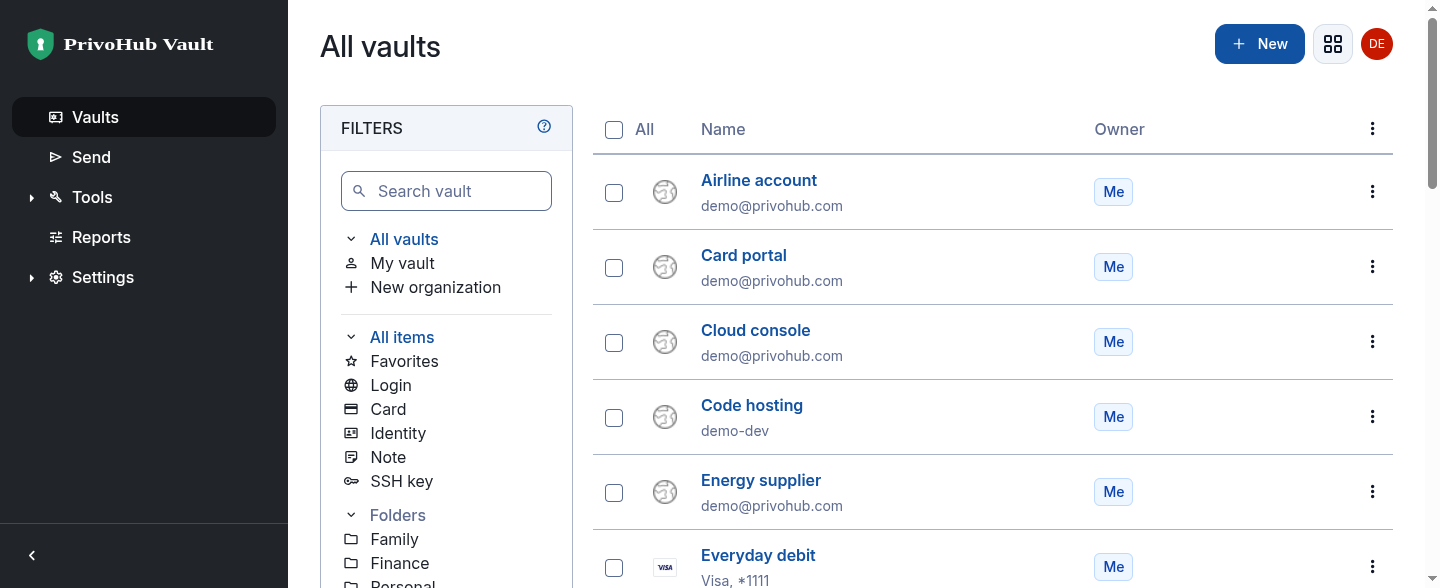
The official Bitwarden apps
Browser extensions, desktop and mobile apps: choose Self-hosted, enter https://vault.privohub.com and log in with SSO.
End-to-end encrypted
Your master password encrypts the vault on your own device and never reaches our servers, so we could not read your passwords if we tried.
One sign-in
Single sign-on with the PrivoHub account you use for Photos and Drive, then your master password to unlock.
Nothing to run
No container to update, no database to back up, no certificate to renew. We look after the server on EU infrastructure.
Why not run Vaultwarden yourself?
You can, and it is a fine project. But a password server is the one service you cannot afford to lose: it has to be reachable from every device, kept up to date, and backed up somewhere you have actually tested. PrivoHub Vault is that part done for you, on the same open-source server.
- Backed up every night to separate, encrypted storage in the EU
- Kept up to date with Vaultwarden releases
- Reachable from anywhere over HTTPS, with no port forwarding
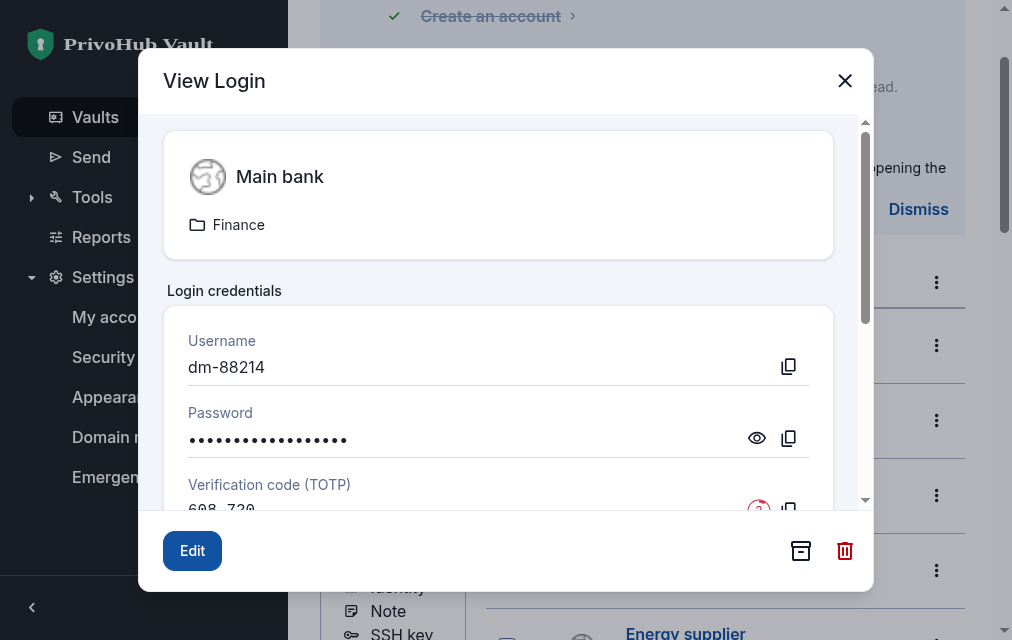
Open source on both ends.
The Bitwarden apps that encrypt your vault are open source and independently audited. Vaultwarden, the server they talk to, is open source too. PrivoHub runs it for you and publishes its changes on GitHub.
Vaultwarden speaks the Bitwarden protocol, so autofill, the password generator, secure notes, cards and Send all work as you expect.
Import from Bitwarden, 1Password, LastPass, your browser and more with the import tool in the web vault.
Export your vault from the web vault whenever you like, in standard formats.
Hosted Vaultwarden, answered
Your vault, without the server.
Vault is included with every PrivoHub plan, even Free. Set your master password and import in minutes.